Emmet: Write HTML at 10× Speed (3/4)
Are you still writing all the HTML manually?
Do you too want to be a 10x Developer?
Let’s explore Emmet and hack NASA with our fast HTML!
This is going to be a quick one to keep up with the spirit of Emmet
Emmet is a tool which writes HTML for you when you supply it with certain short-codes. That’s all Emmet is!
You type:
1
p
and press tab, you get:
1
<p></p>
Emmet works as an extension for your code editor, not the browser. So install Emmet, write shortcodes for Emmet and press tab
Basic Emmet Syntax and Abbreviations
Simple tags
For a simple tag like p and h1 you can:
1
p
and press tab to get:
1
<p> </p>
or
1
h1
and press tab to get:
1
<h1> </h1>
Classes
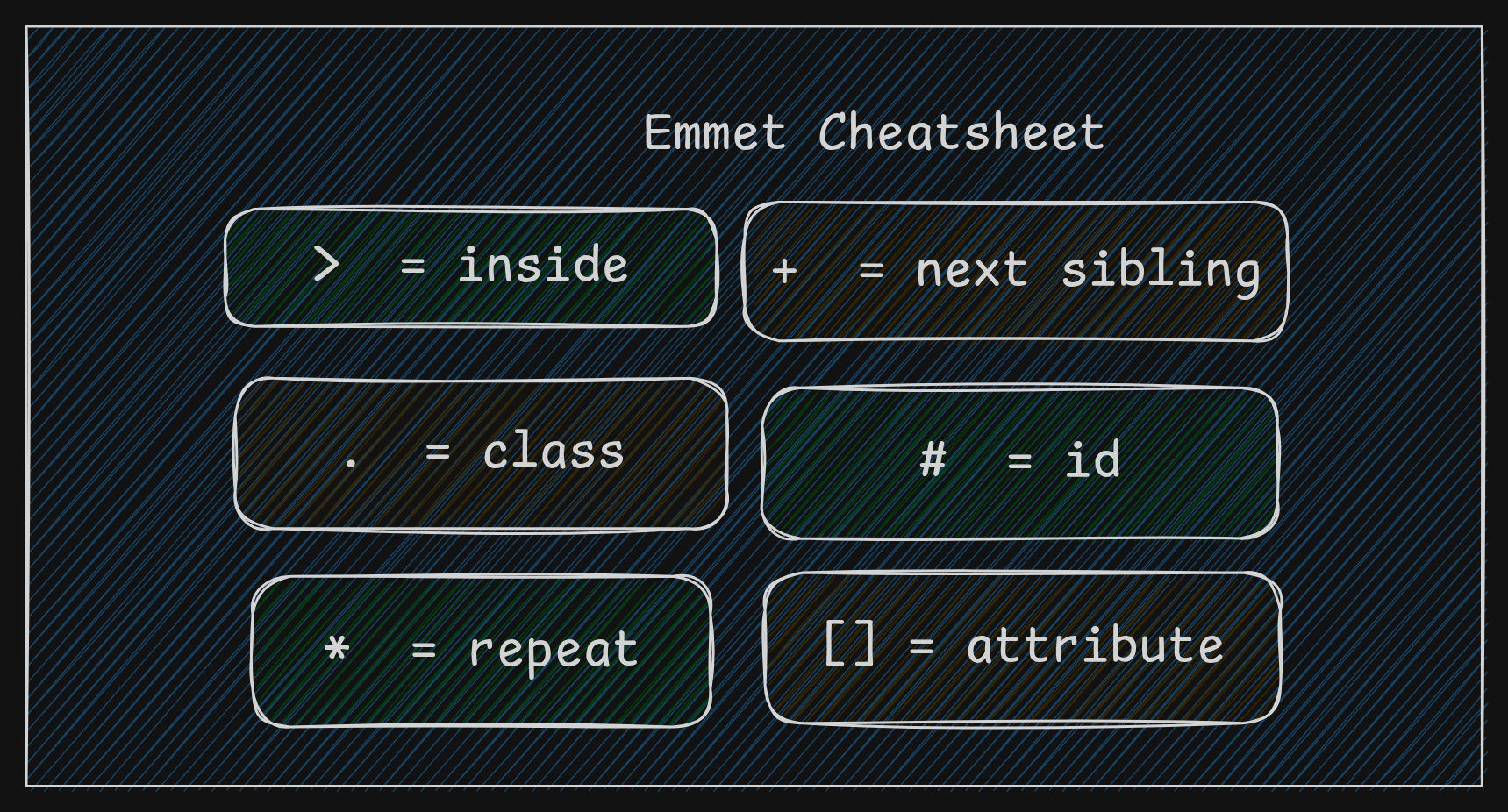
To create an element with a class, write the tag name followed by a dot and class name
For example:
1
div.box
press tab to get:
1
<div class="box"></div>
ID
To create an element with an ID, write the tag name followed by a hash(#) and the ID name
For example:
1
section#hero
press tab to get:
1
<section id="hero"></section>
Attributes
Some elements support attributes like the a tag which can take a URI as attribute
To create an element with an attribute, write the tag name followed by attribute inside a square bracket.
For example:
1
a[href="https://hudater.dev"]
press tab to get:
1
<a href="https://hudater.dev"></a>
Another example with multiple attributes:
1
img[src="cat.png"][alt="image"]
press tab to get:
1
<img src="picture.png" alt="image">
Nested Elements
You can create elements inside elements using > symbol
For example:
1
div>p
tab to get:
1
2
3
<div>
  <p></p>
</div>
Sibling Elements
What about multiple elements at the same level or hierarchy?
We can do that too:
1
h1+p
tab to get:
1
2
<h1></h1>
<p></p>
Repeating Elements
We can simply multiply by the number of times we want the element to be repeated. Simply use the * symbol.
For example:
1
ul>li*3
tab to get:
1
2
3
4
5
<ul>
  <li></li>
  <li></li>
  <li></li>
</ul>
This one the most useful and powerful when used with Lists.
Bonus
We can get whole boilerplate code with only 2 keystrokes!
Simply do:
1
!
and press tab to see the magic!
Conclusion
I would highly recommend you to try Emmet.
You can write HTML without Emmet. But once you use it, going back will feel painfully slow.